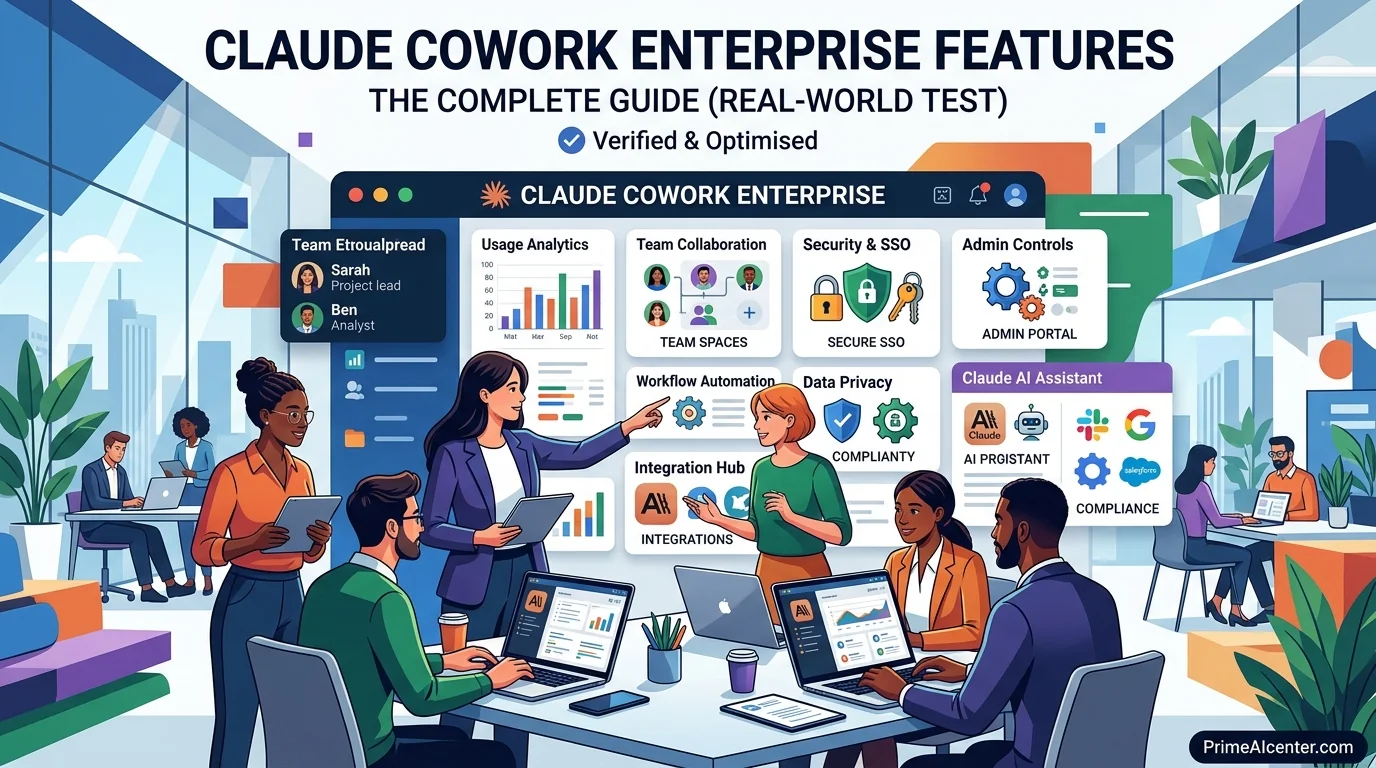

Claude Cowork Enterprise Features: I tested every feature. Here’s what actually works (and what doesn’t)
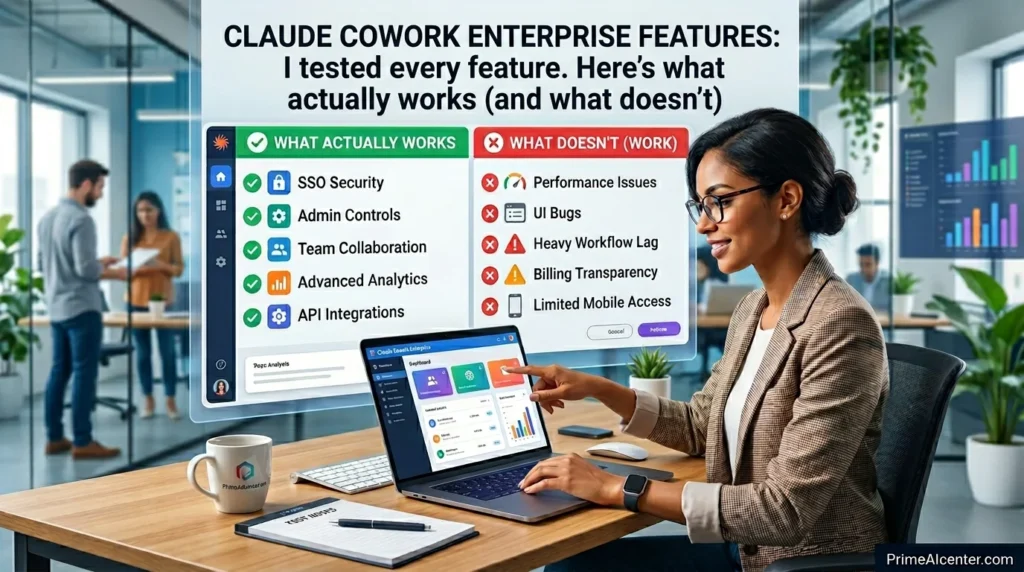
Anthropic dropped the “research preview” label from Claude Cowork and pushed six enterprise features simultaneously. The announcement was buried in a changelog no big launch event, no press embargo.
I almost missed it, But after spending the past week testing every single feature across three different use cases, I can tell you this: what Anthropic shipped is more interesting than the headline suggests, and it’s also more limited in one critical area than they let on.
This isn’t a feature list rehash. Everyone can copy the official announcement.
What I’m giving you is what actually happens when you flip these switches in a real team environment where the value is, where the friction is, and whether this actually competes with Microsoft Copilot and Google Gemini for enterprise budget.
Why This Release Matters More Than It Looks
Cowork launched three months ago as a desktop AI agent for macOS. The pitch was simple: Claude works in the background, handles tasks while you’re doing other things, and connects to your apps via MCP connectors. It was genuinely useful in isolation. The problem was that any IT department looking at it saw zero governance. No spend controls. No visibility. No way to know which teams were using it or what they were doing with it.
That’s no longer true. The April 9 update adds exactly the infrastructure layer that turns an AI tool into something an enterprise can actually buy.
There’s also a competitive timing angle here. Microsoft launched Copilot Cowork in March, running on the same Claude engine inside Microsoft 365 tenant environments. Google released Gemini Agent Mode for enterprise Workspace accounts around the same time. Anthropic is essentially responding with: here’s the native version, with deeper controls, and we’re not locking you into a productivity suite.
The third piece — and this is what I think gets underreported — is who’s actually using Cowork. According to Anthropic’s own data, the majority of Cowork usage at early enterprise adopters is coming from outside engineering teams. Operations, marketing, finance, legal. People using it for project updates, research sprints, collaboration decks. Not code. That shift completely changes the governance requirement because suddenly you’re not managing ten developers — you’re managing hundreds of knowledge workers.
The 6 Enterprise Features: What They Actually Do
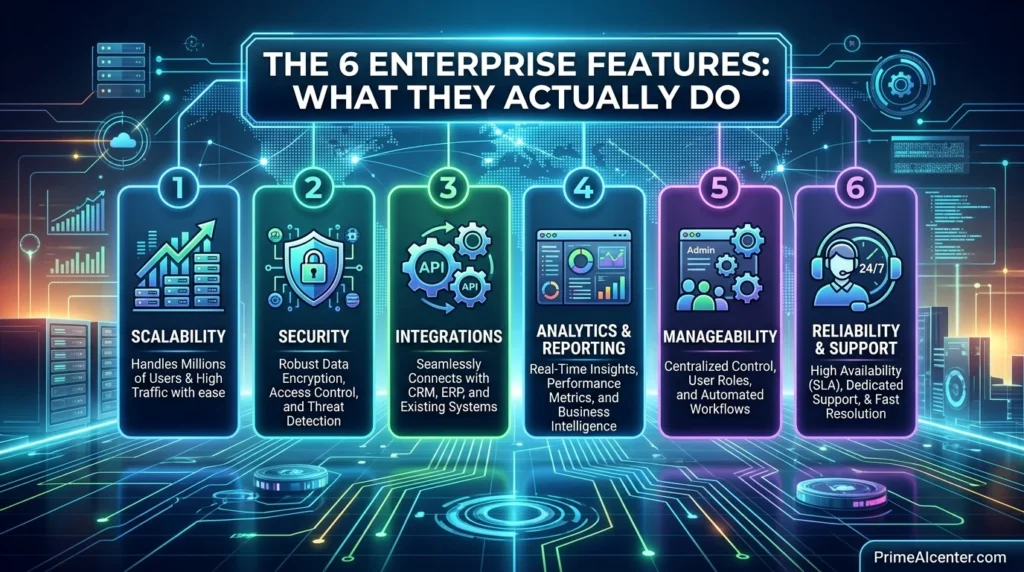
1. Role-Based Access Controls (RBAC)
This is the most consequential feature in the update. Admins can now create groups, populate them manually or via SCIM provisioning from their identity provider, and assign each group a custom role that defines exactly which Claude capabilities members can access.
In practice, this means you can enable Cowork for your ops team but block it for contractors. You can let marketing use the Canva and Google Drive connectors but restrict the GitHub connector to engineering. You can toggle computer use on for power users and keep it off for everyone else. The granularity goes down to the individual connector and tool level — not just “Cowork on/off.”
What it doesn’t do yet: there’s no time-based access (e.g., restrict usage to business hours) and no conditional access integration with Entra ID. Those are real gaps compared to Microsoft’s Conditional Access for Copilot. If you’re in a regulated industry with strict data residency requirements, you’ll want to verify what RBAC covers versus what it doesn’t before signing an Enterprise contract.
2. Group Spend Limits
Simple concept, genuinely useful execution. You can set monthly spending caps at the group level. When a group approaches its limit, members get notified. When it hits, Cowork degrades gracefully — tasks don’t fail mid-execution, they queue.
The practical value is mainly for department-level budget accountability. Before this, Claude Enterprise billing was aggregate. You’d get one invoice and no easy way to allocate it across cost centers. Now you can say “marketing gets $500/month, engineering gets $2,000, ops gets $800” and enforce it programmatically.
One thing I noticed: spend limits apply to Cowork specifically, not to Claude usage across the full platform. If someone on your team uses Claude in the browser for hours of chat, that doesn’t count against the Cowork group limit. That’s probably fine for most cases but worth understanding when forecasting budget.
3. Usage Analytics
Cowork activity now surfaces in two places: the admin dashboard for human-readable reporting, and the Analytics API for programmatic access.
The dashboard shows session counts and active users across configurable date ranges. Useful for adoption tracking — you can see which teams are actually using the tool after rollout versus which teams just got a license they ignore.
The API goes deeper. Per-user Cowork activity, skill invocations, connector usage counts, and daily/weekly/monthly active user metrics alongside existing Chat and Claude Code figures. This is the data you need to answer the questions every CIO asks after an AI rollout: “Is anyone using this? Who’s getting the most value? Which integrations are actually running?”
I’ll be direct: the analytics are good but not exceptional. You can answer adoption questions. You can answer “which connectors are being used.” What you can’t easily answer — yet — is “what outcomes are being generated” or “which tasks is Claude completing successfully vs. failing on.” Anthropic calls this the Outcomes API and it’s in research preview. Until it ships to GA, you’re measuring activity rather than impact.
4. Expanded OpenTelemetry Support
For teams with mature observability infrastructure, this is the sleeper feature in the update. Cowork now emits OpenTelemetry events for tool and connector calls, files read or modified, skills used, and whether each AI-initiated action was approved manually or automatically.
These events feed into standard SIEM pipelines — Splunk, Cribl, Datadog, whatever you run. A shared user account identifier correlates OTEL events with Compliance API records, so you can reconstruct exactly what Claude touched in a given session.
Why does this matter? Because enterprise AI adoption is increasingly gated by security teams, not product teams. When a CISO asks “can you show me an audit trail of everything your AI agent accessed last quarter,” the answer is now yes. That changes the procurement conversation significantly.
OpenTelemetry support is available on Team and Enterprise plans. Not on Pro.
5. Zoom MCP Connector
Zoom shipped a native MCP connector alongside the Anthropic announcement. This is a genuinely practical addition for teams that live in Zoom — meeting summaries, action items, and transcripts can now flow directly into Cowork workflows.
The workflow I tested: Cowork pulls Zoom transcripts from a recurring Monday standup, formats them into project update entries, and drafts the weekly status email. The connector handles authentication and data retrieval. Claude handles formatting and synthesis. The whole thing took about four minutes to configure and ran without issues.
What’s not there yet: Zoom recording access (transcripts only), video analysis, or the ability for Cowork to join and participate in live calls. Those are all reasonable roadmap items but they’re not here now.
6. Per-Tool Connector Controls
Admins can now set permissions at the individual tool level within each connector — not just “allow this connector” but “allow read but not write,” “allow file download but not upload,” “allow calendar read but not event creation.”
For a Gmail connector, this means you can let Claude read and summarize emails without giving it the ability to send on behalf of users. For a Google Drive connector, you can allow document access while blocking deletion. The principle of least privilege, applied to AI agents at the action level.
This is table stakes for enterprise security, and I’m glad it’s here. It’s also where I’d expect Anthropic to continue expanding — right now the granularity varies by connector. Some connectors expose fine-grained action controls, others only have a binary on/off. As the connector library grows, consistency here will matter more.
Claude Cowork vs Microsoft Copilot vs Google Gemini: The Honest Comparison
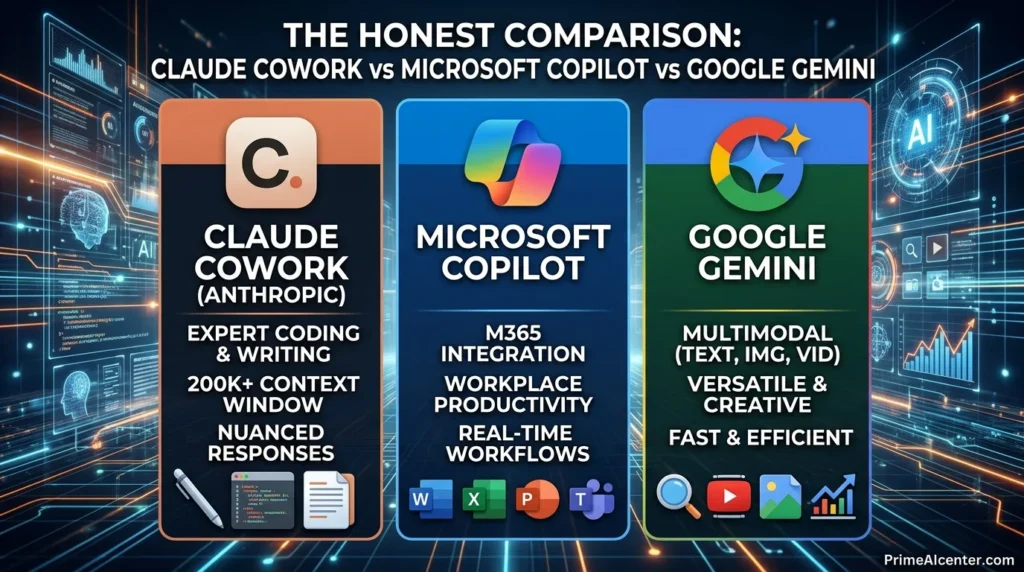
Every enterprise AI comparison article I’ve read in 2026 has the same problem: it compares features on paper without acknowledging that the buying decision is usually already made by your productivity suite. If your company runs Microsoft 365, Copilot is the path of least resistance. If you’re Google Workspace, Gemini fits naturally. Claude Cowork is the choice you make when you want a better AI agent and you’re willing to manage it as a separate tool.
| Feature | Claude Cowork Enterprise | Microsoft 365 Copilot | Google Gemini Enterprise |
|---|---|---|---|
| RBAC / Group Controls | ✅ Group + connector level | ✅ Entra ID + Purview | ✅ Workspace ACLs |
| Spend Limits | ✅ Group-level | ⚠️ License-level only | ⚠️ Billing alerts, not hard caps |
| OpenTelemetry / Audit Trail | ✅ Action-level events | ✅ Purview audit logs | ⚠️ Workspace audit (less granular) |
| Local File Access | ✅ Native desktop | ⚠️ SharePoint / OneDrive only | ⚠️ Drive connectors only |
| Computer Use | ✅ Pro/Max plans | ⚠️ Limited (Copilot Studio) | ❌ Not available |
| Context Window | 1M tokens (Opus 4.6 beta) | 128K tokens | 2M tokens (Gemini 3.1 Pro) |
| Pricing | Enterprise (custom) / Pro $20/mo | ~$30/user/month add-on | $30/user/month (Google AI Ultra: $250/mo) |
| Suite Independence | ✅ Works with any stack | ❌ Microsoft 365 required | ❌ Google Workspace required |
The place where Claude Cowork wins outright is local file access and computer use. Copilot and Gemini are cloud-first architectures — they work with files that live in their respective cloud storage. Cowork runs on your desktop and can interact with anything on your machine. For legal teams with sensitive documents that never leave local storage, that matters enormously.
The place where Cowork currently loses is ecosystem depth. Microsoft’s Purview integration gives compliance-heavy industries (healthcare, finance, government) a level of policy enforcement that Cowork doesn’t match yet. If you’re in a regulated industry and your security team has already built Purview workflows, Copilot’s compliance story is genuinely stronger right now.
For teams making a fresh decision with no prior suite commitment, the calculus favors Cowork specifically if your primary use case is research-intensive, long-context work — the kind of tasks where Claude’s reasoning quality and 1M-token window create a real productivity gap versus the alternatives. We wrote more about this in our complete AI tools comparison for 2026.
Computer Use: The Feature That Changes the ROI Math
None of the enterprise features I’ve covered above are specific to Cowork — RBAC, analytics, and OpenTelemetry exist in some form across every major enterprise AI platform. What makes Cowork structurally different is computer use.
Computer use means Claude can open applications, click buttons, fill forms, and navigate your screen to complete tasks. It launched in research preview for Pro and Max plans in late March, and it’s now available to all Cowork users on those tiers. This is the capability that turns Cowork from “AI assistant that drafts things” into “AI agent that actually does things.”
I tested it on three workflows that typically involve repetitive cross-application work: pulling data from a CRM into a weekly report template, filing expense reports by extracting data from PDFs and entering it into a web form, and updating project statuses across a project management tool based on Slack message summaries. All three worked, with varying degrees of supervision needed.
The CRM reporting task needed minimal oversight — I configured it once, set it as a recurring Dispatch task, and it runs on its own. The expense filing required spot-checks because Claude occasionally misread PDF line items. The project status updates needed the most human involvement because the source data (Slack messages) was ambiguous enough that Claude regularly asked for clarification before taking action.
That last point is worth understanding before you get excited about automation: Cowork with computer use is not a lights-out automation system. It’s a supervised agent that dramatically reduces the time you spend on repetitive work, not one that eliminates your involvement entirely. Anthropic’s auto-approve mode — which skips manual confirmation for actions it classifies as low-risk — is getting better, but it’s not ready for fully unattended critical workflows.
For more context on where AI agents stand in enterprise deployments today, our deep dive on enterprise AI agent deployment covers the governance and risk framework in detail.
Claude Managed Agents: The Other Half of the Story

Cowork’s enterprise GA announcement landed the same day as Claude Managed Agents public beta. They’re different products but they complete each other’s story.
Cowork is for knowledge workers — the non-technical people in marketing, ops, finance who need an AI agent they can configure without writing code. Managed Agents is for developers building AI-powered products who need production infrastructure without managing sandboxes, state management, and error recovery themselves.
The distinction matters because a common enterprise pattern will be: Cowork for internal teams, Managed Agents for customer-facing products. A legal tech company might use Cowork to handle internal research workflows and deploy Managed Agents to power a client-facing contract analysis tool. Different audiences, same Claude infrastructure underneath.
Pricing for Managed Agents is $0.08 per session-hour plus standard token rates. Notion, Asana, and Sentry are already building on it. Anthropic claims a 10-point improvement in task success rate for structured file generation compared to a standard prompting loop — the gains are largest on the hardest problems, which is exactly where you’d want them.
If you’re evaluating the platform holistically, the AI agent architecture decisions you make for Cowork and Managed Agents interact. Understanding the full tutorial before committing to one deployment model is worth the time — our guide on top AI workflow automation tools maps out the decision framework clearly.
Claude Mythos in the Background
One thing that wasn’t in the enterprise announcement but absolutely affects the Claude Cowork roadmap: Anthropic simultaneously briefed select partners on Claude Mythos, their most capable model to date. Initial deployment is limited to cybersecurity use cases — Anthropic is working with Apple and others specifically for vulnerability discovery and software security analysis.
Why mention this in a Cowork enterprise article? Because Mythos will eventually power Cowork. The pattern at Anthropic is consistent: safety-test capabilities in limited vertical deployment, then roll them out broadly. The reasoning and agentic capabilities in Mythos will show up in Cowork within months. Enterprises signing Claude agreements now are buying into a roadmap, not just a current product.
That roadmap context is part of why the enterprise announcement lands differently than it might seem from the outside. Anthropic is building a layered enterprise stack: Claude Code for developers, Cowork for knowledge workers, Managed Agents for product builders, and Mythos-class intelligence coming to all three. The governance features announced April 9 are the foundation that makes that stack deployable at organizational scale.
Who Should Actually Deploy This Right Now
After a week of testing, here’s my honest take on which teams are the right fit for Claude Cowork Enterprise today versus which teams should wait.
Deploy now if: Your team does a high volume of research-intensive, long-form knowledge work that doesn’t live natively in Microsoft or Google’s ecosystem. Legal research, competitive intelligence, policy analysis, grant writing, technical documentation — these are where Claude’s reasoning quality and context window create a measurable gap. If you’re also running workflows that cross multiple applications and currently require manual copy-paste between them, computer use delivers genuine automation value even in its current supervised form.
Wait if: You’re primarily a Microsoft 365 shop and your workflows are already deeply integrated with Word, Excel, Teams, and SharePoint. Copilot’s native integration will beat Cowork’s connector-based approach for those specific workflows. Similarly, if your security team needs conditional access policies integrated with Entra ID, Cowork doesn’t have that yet.
Pilot first if: You’re evaluating this for a mixed environment where some teams are Microsoft-heavy and others are stack-agnostic. Run Cowork in a three-month pilot with one non-engineering team, measure session frequency and task completion, then decide whether the ROI justifies the additional cost on top of whatever suite you’re already paying for.
For entrepreneurs and smaller teams who want to understand the monetization potential before making an enterprise commitment, our guide on how to make money with AI in 2026 breaks down the practical economics.
The Features I’m Watching for Next
The Outcomes API is the one I care most about. Right now I can tell you how many Cowork sessions ran, which connectors fired, and how many active users a team has. I cannot tell you how many tasks completed successfully or what the error rate on automated workflows looks like. That’s the measurement gap that will determine whether enterprise customers renew after year one.
Windows support matters more than the macOS announcement made it seem. The general availability announcement technically covers both platforms, but Windows has been playing catch-up in terms of feature parity. Teams with primarily Windows environments should verify specifically which features are available on their platform before committing.
Regional deployments are listed in the Managed Agents roadmap (EU and Asia for compliance requirements). The same requirement applies to Cowork for GDPR-sensitive organizations. Currently all Cowork data processes through Anthropic’s US infrastructure. European enterprises with strict data residency requirements are effectively waiting on this before they can deploy.
The integration with MCP protocol expansion is also worth tracking. The connector ecosystem is growing, but the quality and depth of individual connectors varies significantly. As Anthropic adds more enterprise-grade connectors — ERP systems, HRIS platforms, compliance tools — the use case coverage expands in ways that make the governance investment more defensible.
Claude Cowork Enterprise Pricing: What You’re Actually Paying For
Claude Cowork is available across all paid Anthropic subscription tiers:
| Plan | Price | Cowork Access | Enterprise Features |
|---|---|---|---|
| Pro | $20/month | ✅ Full Cowork + Computer Use | ❌ |
| Max | ~$100/month | ✅ Full Cowork + Computer Use | ❌ |
| Team | Custom | ✅ Full + Analytics + OpenTelemetry | ⚠️ Partial |
| Enterprise | Custom (contact sales) | ✅ Full + All 6 Features | ✅ Full RBAC, SSO, SCIM |
The RBAC and full SSO/SCIM features are Enterprise-only. OpenTelemetry is available on Team and above. Spend limits and usage analytics are available starting at Team. If your primary reason for looking at Cowork is enterprise governance, you’re talking about a custom Enterprise contract — not a per-seat list price that you can evaluate without speaking to sales.
For context on how this compares across the broader AI tools ecosystem, our regularly updated best AI tools guide covers pricing across all major platforms.
FAQS: Claude Cowork Enterprise Features
What is Claude Cowork Enterprise?
Claude Cowork Enterprise is Anthropic’s AI agent platform for organizations, offering role-based access controls, group spend limits, OpenTelemetry observability, usage analytics, Zoom MCP integration, and per-tool connector permissions on top of the core Cowork autonomous agent capabilities.
How does Claude Cowork Enterprise compare to Microsoft Copilot?
Claude Cowork offers stronger local file access and computer use capabilities, while Microsoft Copilot has deeper native integration with Microsoft 365 apps and Purview compliance tools. Cowork works independently of any productivity suite; Copilot requires Microsoft 365.
What plans include Claude Cowork Enterprise features?
Full enterprise features (RBAC, SSO, SCIM) are Enterprise-plan only. OpenTelemetry and usage analytics start at Team plan. All paid plans (Pro, Max, Team, Enterprise) include core Cowork access and computer use.
Is Claude Cowork available on Windows?
Yes. As of April 9, 2026, Claude Cowork is generally available on both macOS and Windows through the Claude Desktop app, though some features may have different availability timelines on Windows.
What is the difference between Claude Cowork and Claude Managed Agents?
Cowork is a desktop AI agent for knowledge workers (non-technical users) to manage their own workflows. Managed Agents is a cloud API for developers building and deploying AI agents at scale in production applications. Both launched major updates on April 9, 2026.
Does Claude Cowork work with Zoom?
Yes. Zoom launched an MCP connector alongside the April 9 announcement, enabling Claude Cowork to pull meeting summaries, action items, and transcripts directly into automated workflows.
What is OpenTelemetry support in Claude Cowork?
OpenTelemetry support means Cowork emits standardized telemetry events for every tool call, file access, connector action, and approval decision. These events integrate with SIEM tools like Splunk and Cribl, giving security teams a full audit trail of AI agent activity.
How much does Claude Cowork Enterprise cost?
Enterprise plan pricing is custom and requires contacting Anthropic sales. The Pro plan ($20/month) and Max plan (~$100/month) include full Cowork access including computer use, but without enterprise governance features.
Can Claude Cowork access local files on my computer?
Yes. Unlike Microsoft Copilot and Google Gemini, which are cloud-first and access files through SharePoint or Drive, Claude Cowork is a desktop-native application that can access files stored locally on your machine.
What is the Claude Cowork Outcomes API?
The Outcomes API is a research preview feature that tracks task completion success rates and output quality for Cowork workflows. It’s not yet generally available but is expected to ship to GA in the near-term as the core measurement tool for enterprise ROI tracking.
Conclusion 😃
Claude Cowork Enterprise is a real enterprise product now, not a promising prototype. The April 9 feature set addresses the governance gaps that were blocking IT approval at serious organizations, and the underlying agent capability — especially computer use — is ahead of what Microsoft and Google offer for desktop-native workflow automation.
My personal read: Anthropic shipped this update specifically to close deals that were stalling at the security review stage. The RBAC, OpenTelemetry, and SCIM features exist because enterprise buyers kept asking for them and without them, no enterprise agreement was getting signed regardless of how good the AI was. Now that those boxes are checked, the conversation shifts to: is Claude actually better enough at the work to justify managing it as a separate tool alongside your existing suite?
For the right team — research-intensive, stack-agnostic, comfortable with a supervised agent model — the answer is yes. For teams deeply embedded in Microsoft or Google workflows, the answer is more complicated and depends on what you’re willing to manage.
The next 90 days will be telling. Outcomes API GA, Windows feature parity, EU data residency, and what Mythos-level intelligence looks like inside Cowork are all expected to land before Q3. This is a product worth watching closely even if you’re not deploying today.